 0:24
0:24Mountain-road-B-roll.mp4
Ready to useCutra is a YouTube clip downloader that saves your selected section as a video or audio file. Paste a link or mark the start and end with the optional Chrome extension.
0:24Mountain-road-B-roll.mp4
Ready to use 0:38
0:38A-better-opening.mp4
Ready to useSelect the start, select the end, then send the clip to your desktop.
A desktop app that gets you the good bit.
You found the shot, the sound, the line. Cutra saves just that part of a YouTube video to your disk as video or audio.
One clip or a whole batch. Ready for your editor, your next post, or your own collection.
See it in actionTen seconds of footage. Zero extra trimming.
Skip the download-the-whole-thing, open-an-editor, trim-it-again routine. Choose your start and end once. Cutra handles the rest.
Stay on YouTube. The optional extension lets you mark clips while you watch. No hunting for the same moment twice.
Works on its own. Faster with the extension.
We recommend the Chrome extension: mark the start and end on YouTube, then send them to Cutra. Keep the desktop app open. It downloads and cuts your files.
 Get Chrome extension
Less fiddling with downloads. More making the thing you actually came to make.
Cutra turns a selected YouTube moment into a real file on your computer. Open it in your editor, send it to a teammate, or keep it for the next project.
No web editor to learn. No cloud library to manage. Just the footage or audio you came for, ready when processing finishes.
Made for people who work in clips.
Shorts, reactions, B-roll, commentary, sound bites.
Cutra removes the download-and-trim work in between.
 1:55:10
 0:28
0:28 0:34
0:34 0:45
0:45 0:18
0:18 0:52
0:52Crop and caption in your editor.
Pull several moments from one long YouTube podcast for Shorts, Reels, and TikToks. Finish the crop and captions in your editor.
 4K
4K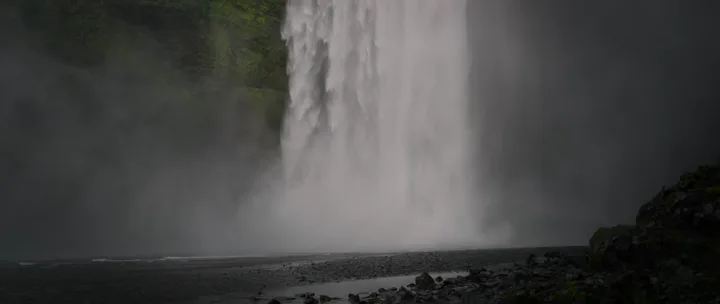 0:06
0:06 0:05
0:05 0:07
0:07Save the exact shot your edit needs without downloading the whole source video.
 0:08
0:08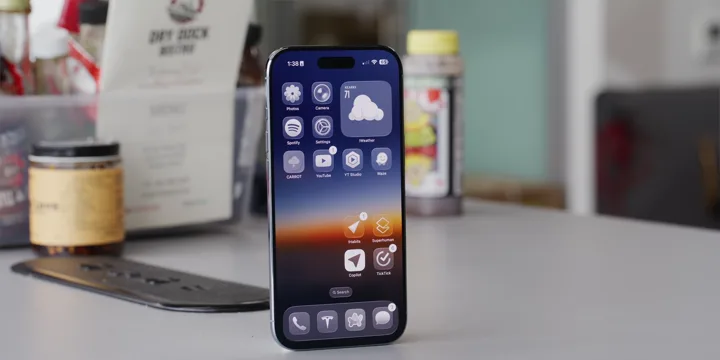 0:080:09
 0:08
0:08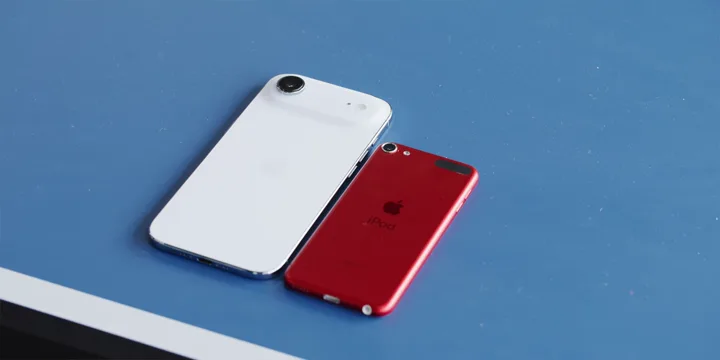 0:080:09
Grab exact quotes, interviews, and source moments from different YouTube videos.
Apple0:03 0:03
0:03 0:02Source clip
Combine with your recording in your editor.
Save the exact source moments you want to react to before you start recording.
 0:03
0:03 0:05
0:05 0:04
0:04 0:06
0:06That reaction you keep looking for. Saved.
Keep reactions, punchlines, memes, and viral moments ready for your next edit.
Audio sourceJust want the spoken moment?Choose Audio. Keep the sound.
podcast-soundbite.mp3
0:09Save a quote, sound effect, or background sound without keeping the whole video.
Organize clips into folders and reuse them whenever you need them.
0:080:050:09Keep hooks, edits, and ideas as exact playable moments instead of bookmarked videos.
You found a ten-second clip. Somehow, it became a whole task.

TODO:
Still haven’t started the actual edit.
Compare the work between finding a moment and using it.
| The job | Traditional downloader | Online cutter | Cutra |
|---|---|---|---|
| Move the link around | Copy, switch apps, paste | Copy, open site, paste | Mark it on YouTube* |
| Find the moment again | Find or type timestamps | Find or type timestamps | Start. End. Selected.* |
| Get only that section | Often download, then trim | Select and export | Save your selection |
| Grab the next moment | Repeat the download / trim | Repeat the export flow | Add it to your batch |
| Find the clips later | Sort downloaded files | Sort downloaded files | Your Cutra folders |
| Time it takes (2 min 4K video) | About 20 minutes | About 15 minutes | Under 60 seconds |
*With the optional Chrome extension and Cutra running on your Mac. Prefer the desktop app? Paste a link there instead. Download speed depends on the source, connection, and device.
A wise man once said -
Pay once. Keep Cutra for life, with all future updates.
One-time payment · Tax included · No subscription
Take 40% off with
$17.40 with the code · 20 people can use this code in total
 Pial, founder of Cutra.app
Pial here. These are the things I’d want to know, too.
Cutra is a desktop app, currently available for Mac. Use it on its own by pasting a YouTube link, or mark the start and end with the optional Chrome extension. The extension sends those timestamps to Cutra. The desktop app does the downloading and cutting, so keep it open.
Yes, when sending clips from the extension. The desktop app receives your selections, processes them, and saves the finished files locally.
It gets your source clips ready. Cropping, captions, effects, and publishing happen in your editor; Cutra does not automatically turn a podcast into a finished Short.
Both. Choose Video or Audio, and add multiple start-and-end selections to a batch instead of repeating the whole workflow.
Finished clips are files on your computer, organized in your Cutra library. You need a connection to download new clips, but saved files remain available offline; Cutra is not cloud backup.
Some private, protected, removed, or restricted videos cannot be downloaded. Speed and availability depend on the source and your connection, so try the seven-day trial with the videos you actually use.
Only when you have the necessary rights and permissions and comply with the source platform’s terms. Downloading a clip does not make the footage or music royalty-free.
Choose Buy Cutra on the pricing page to open checkout. It is a $29 one-time license with future Cutra updates included, not a subscription.
Email [email protected] within seven days of purchase with your order email or receipt and ask for a refund. Your additional consumer rights still apply.
Not yet. Join the Windows waitlist and I’ll email you when a build is available.
No. Your media stays local, but account information, clip URLs, timestamps, and diagnostics are sent to our services; the website also uses analytics. The Privacy Policy explains this in detail.