CutraGet Cutra lifetime

Prep Reaction Clips

Save the exact source moments you want to react to before you start recording.

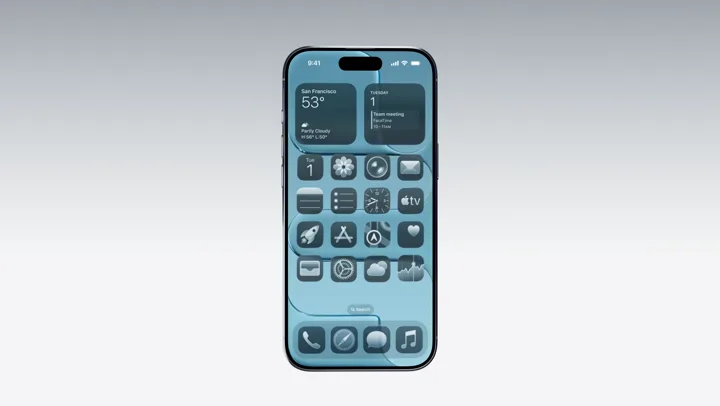
Introducing iPhone AirApple
Introducing-iPhone-Air.mp4
00:20–00:2300:23–00:2600:26–00:28
Ready to react
The reveal0:03
The-reveal.mp4
A closer look0:03
A-closer-look.mp4
The design0:02
The-design.mp4
iPhone Air source momentSource clip
Your reaction goes here

Combine with your recording in your editor.

The best reaction starts with the right moment

You found the clip worth reacting to. Now you have to copy the link, find the timestamp again, download it, and trim the dead air. That is preparation time you could spend on your own take.

Collect your source moments before recording

Paste the YouTube link into Cutra or mark moments with the optional Chrome extension. Select each start and end, add the moments to a batch, and save the resulting files in a folder for the episode. Keep enough context to represent the original fairly.

Your reaction is still yours to create

Bring the clips into your editor alongside your recording. Cutra prepares the source footage; it does not record your reaction, make a split-screen edit, or decide what counts as fair use. Check the rights and permissions for the material you publish.

Try it with your next video

Cutra for Windows.
Be the first to know.

Leave your email. Pial will let you know when it’s ready.

Only updates about Cutra for Windows. Privacy policy

7 days free · No credit card

Works on its own. Chrome extension optional.

A wise man once said -

Invest in something that buys you
time & energy.

Pay once. Keep Cutra for life, with all future updates.

Cutra, for life.
$29

One-time payment · Tax included · No subscription

Take 40% off with

$17.40 with the code · 20 people can use this code in total

Pay once. Paste your license key into Cutra. One license, one Mac.Not for you? Ask for a refund within 7 days of purchase.