CutraGet Cutra lifetime

Collect B-roll From YouTube

Save the exact shot your edit needs without downloading the whole source video.

Iceland travel film4K
Iceland-travel-film.mp4
00:35–00:4102:00–02:0804:00–04:08
B-roll
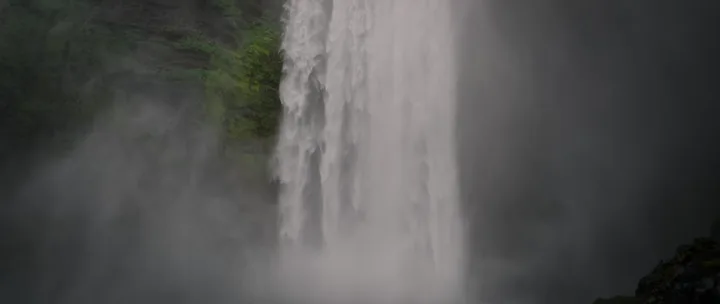
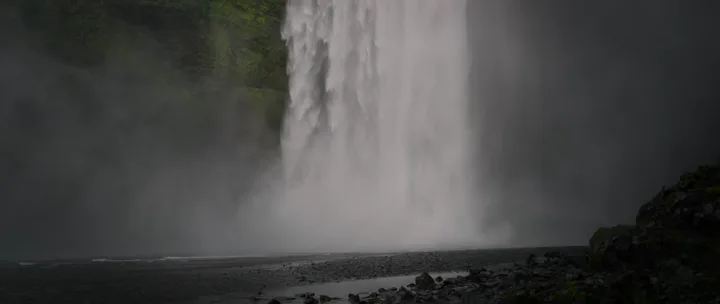
Iceland opening0:06
Iceland-opening.mp4
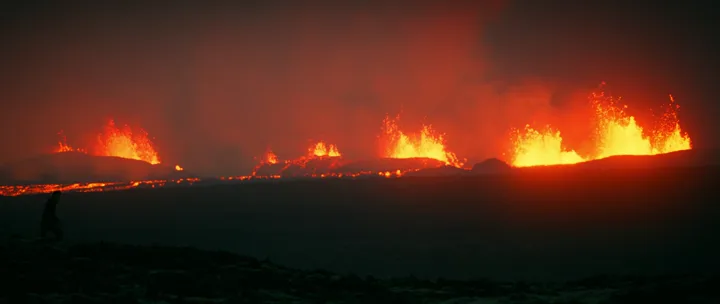
Volcano close up0:05
Volcano-close-up.mp4
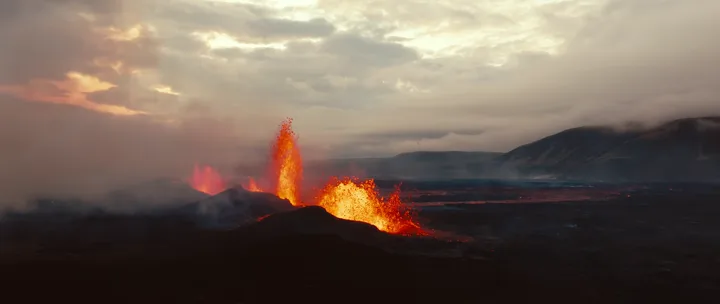
Lava at sunset0:07
Lava-at-sunset.mp4

Start your edit with the shots already collected

You have the story in your head. Now you need the establishing shot, the close-up, and the transition that will make it feel complete. Downloading an entire video for one of those shots adds another job before the edit even begins.

Collect by scene, not by source

As you watch footage you have permission to use, mark the exact shot you want. Give the saved file a name such as mountain-opening or desk-close-up, then place it in the project’s B-roll folder. A useful name saves another round of previewing later.

Build a collection that keeps paying off

Keep reusable shots in a separate folder from client-specific footage. When the next brief arrives, start with your own collection. Keep a note of each source and its license alongside the files so you know where each clip can be used.

Try it with your next video

Cutra for Windows.
Be the first to know.

Leave your email. Pial will let you know when it’s ready.

Only updates about Cutra for Windows. Privacy policy

7 days free · No credit card

Works on its own. Chrome extension optional.

A wise man once said -

Invest in something that buys you
time & energy.

Pay once. Keep Cutra for life, with all future updates.

Cutra, for life.
$29

One-time payment · Tax included · No subscription

Take 40% off with

$17.40 with the code · 20 people can use this code in total

Pay once. Paste your license key into Cutra. One license, one Mac.Not for you? Ask for a refund within 7 days of purchase.